 Glint
In the app
Tap a letter, get it marked
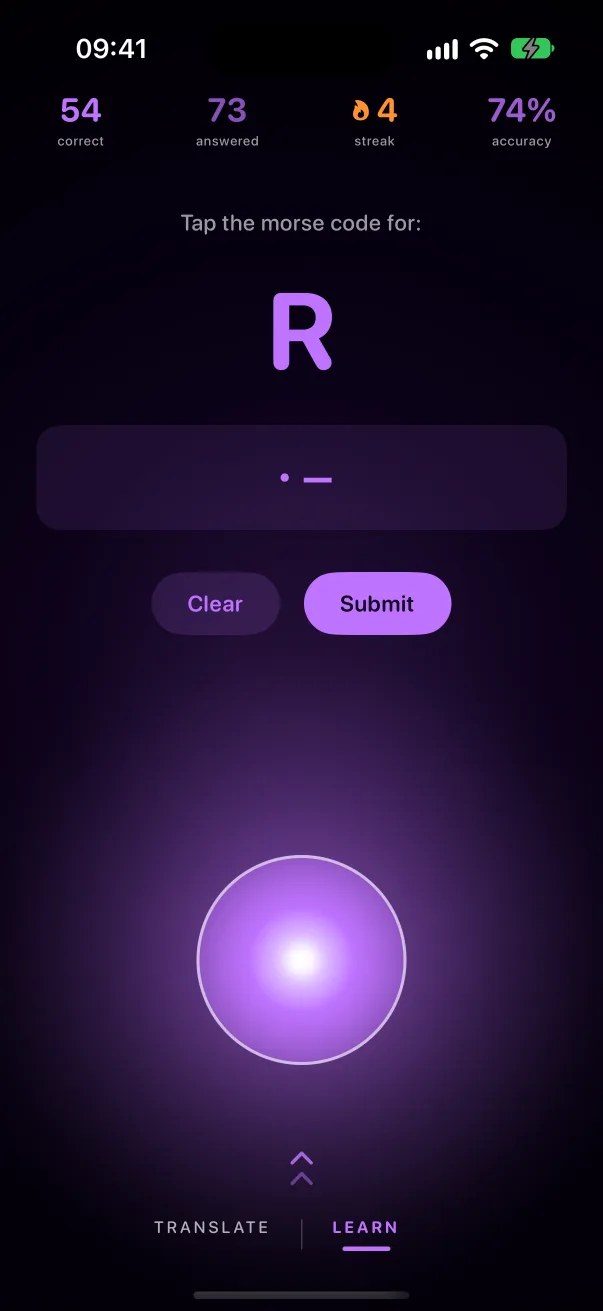
Glint's Learn tab shows a letter and asks you to tap its code. It keeps count of what you get right, your streak and your accuracy, and brings back the letters you miss.
Morse to text
A short tap is a dot. Hold a little longer for a dash. Pause and the letter appears. On a keyboard, use the space bar.
Tap anywhere here. Hold for a dash.

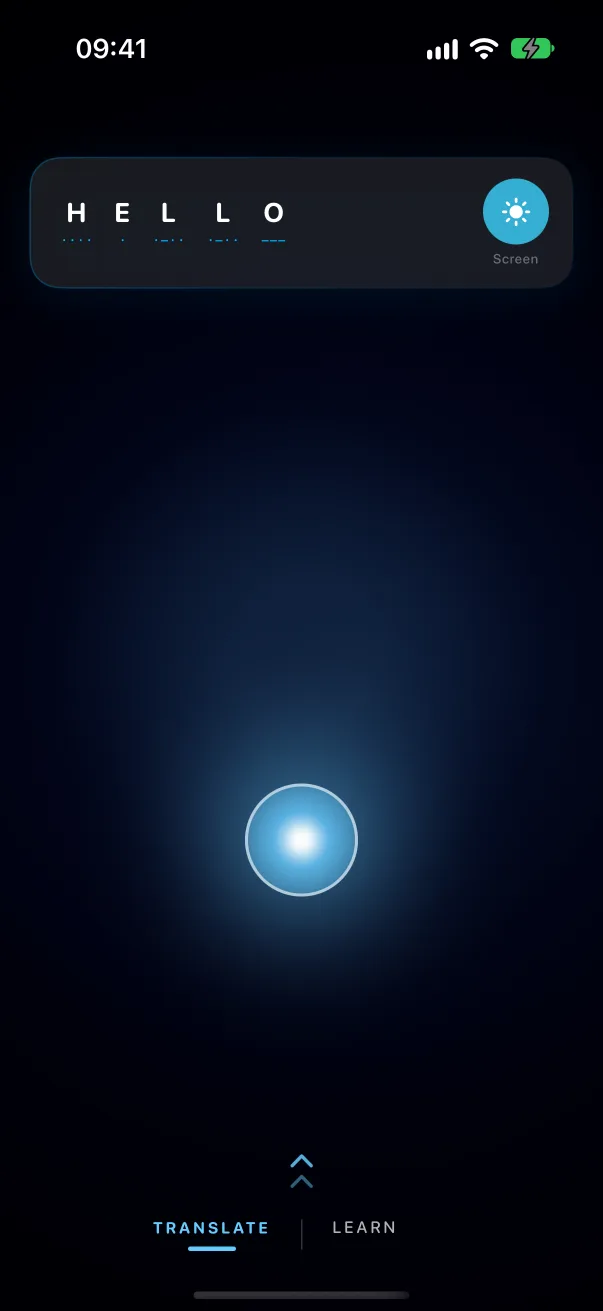
In Glint you tap anywhere on the screen,
and it speaks through the flashlight.
Start with these
Press a tile to hear it, then tap it back on the key above.
In the app
Glint's Learn tab shows a letter and asks you to tap its code. It keeps count of what you get right, your streak and your accuracy, and brings back the letters you miss.
Tap briefly for a dot and hold a little longer for a dash. Pause to finish the letter, and pause longer to start a new word. A dash should last about three dots.
Copy it onto the key on this page and the letters appear. In the Glint app, Read a Signal decodes a blinking light through the camera or a tone through the microphone.
You held the key a little too long. Aim for a quick tap for a dot and a clear hold, roughly three times as long, for a dash.
Glint is free on the App Store, for iPhone.