 Glint
Reading the output
A dot is written · and a dash −. A space separates letters. A slash separates words.
Translator
Type text and get Morse code you can hear, watch and copy.

Glint does this on your iPhone,
with the flashlight.
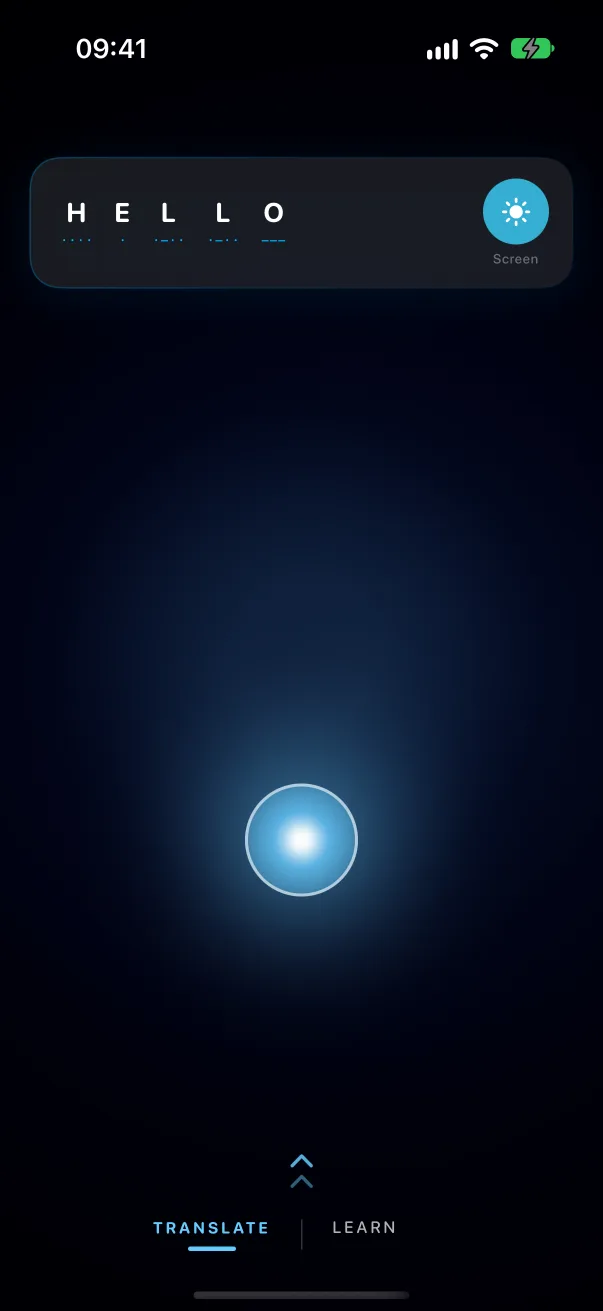
A dot is written · and a dash −. A space separates letters. A slash separates words.
A dash lasts three dots. The gap between letters is three dots long, and between words, seven.
Words per minute. Slower is easier to follow. Glint's course builds you up to on-air speed.
In the app
In Glint you enter text from the keyboard, or tap dots and dashes anywhere on the screen. Glint finds the letters and the gaps between words for you.
Signal
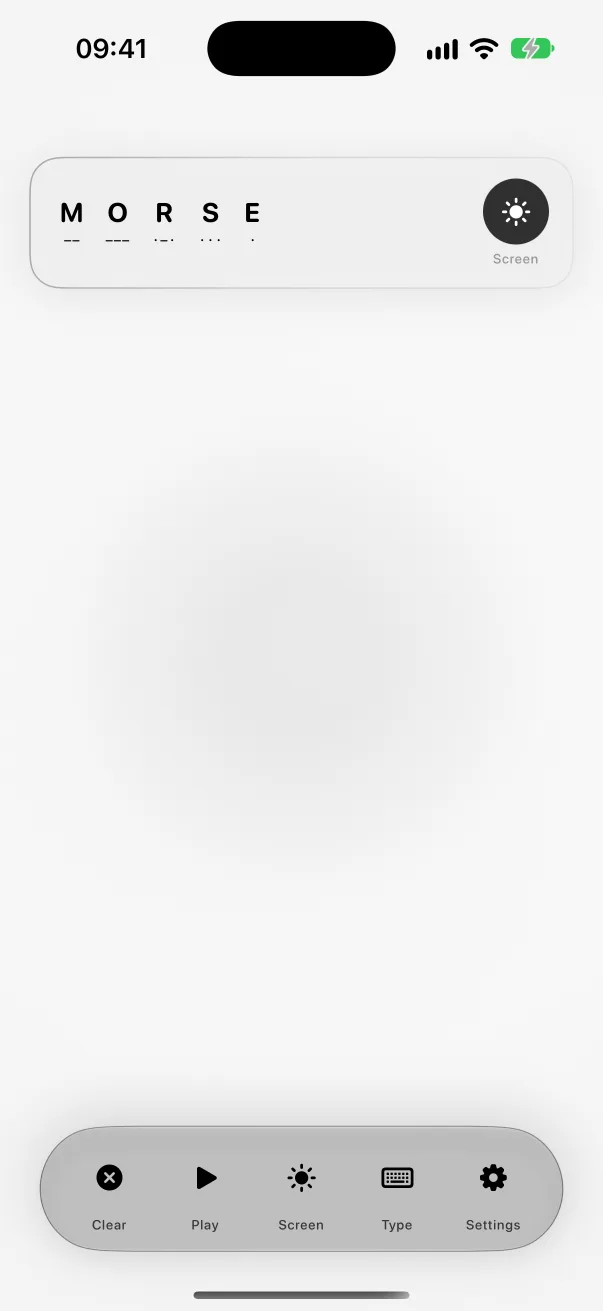
One bar holds everything: clear, play, switch between flashlight and screen pulse, type, and settings. Choose the colour of the pulse and how bright it is.
Phrases
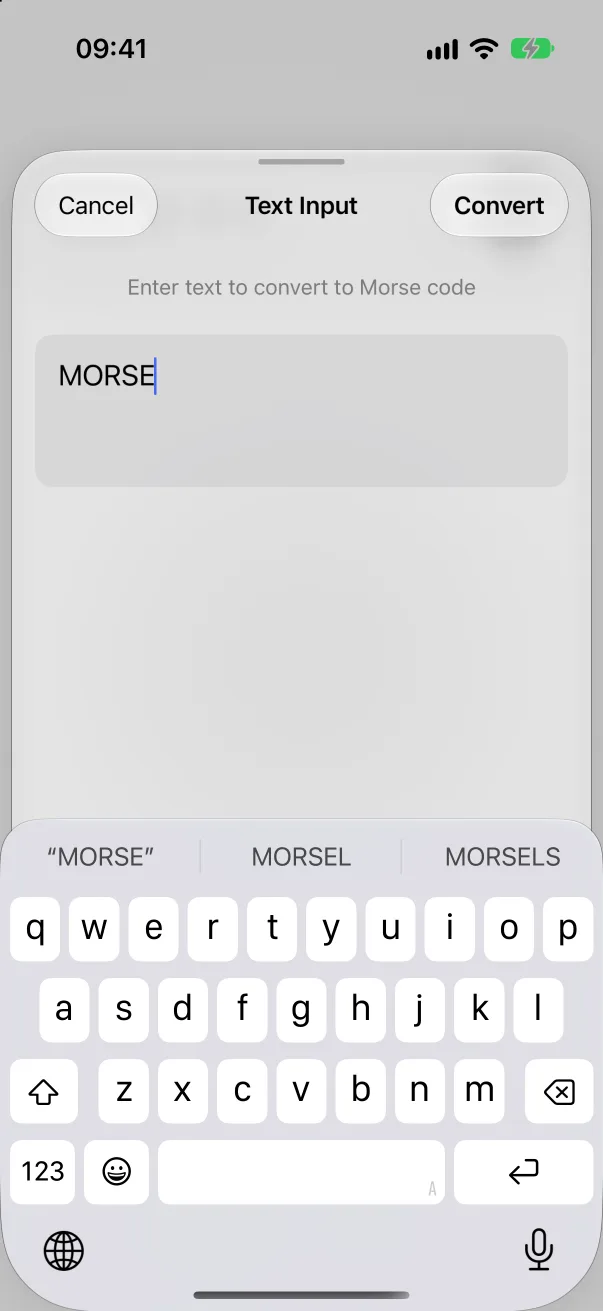
Type your text into the box. Each letter is replaced by its pattern of dots and dashes, with a space between letters and a slash between words. Press Play to hear it.
Yes. Tap the dots and dashes on the key on the Tap page and the letters appear as you go. In the Glint app, Read a Signal decodes a blinking light through the camera or a tone through the microphone.
Yes. It covers A to Z, 0 to 9, and the full stop, comma, question mark, slash, equals sign and other common signs. Characters with no Morse code are skipped.
Glint is free on the App Store, for iPhone.